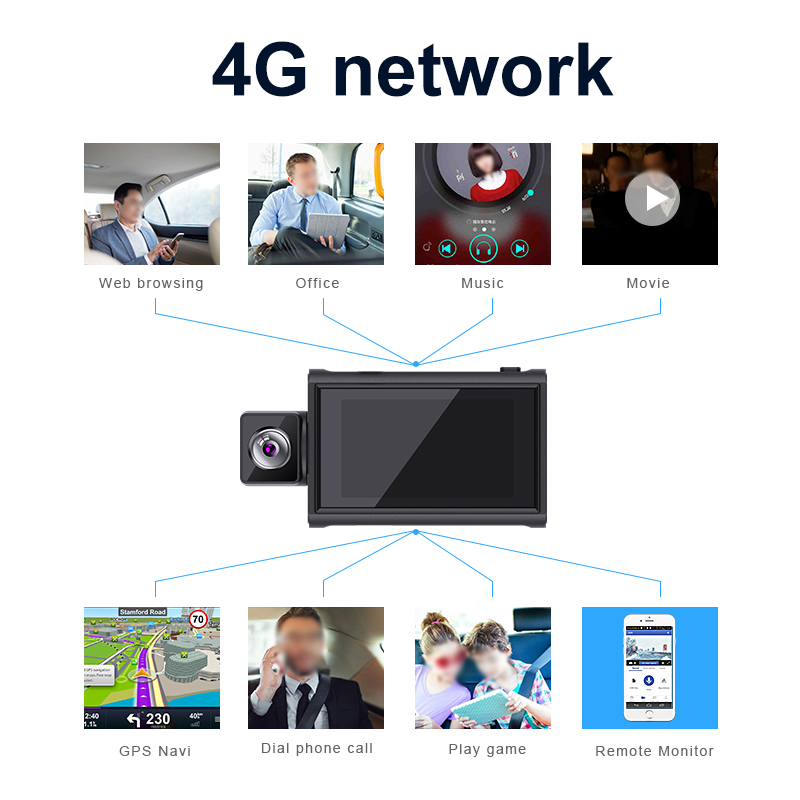


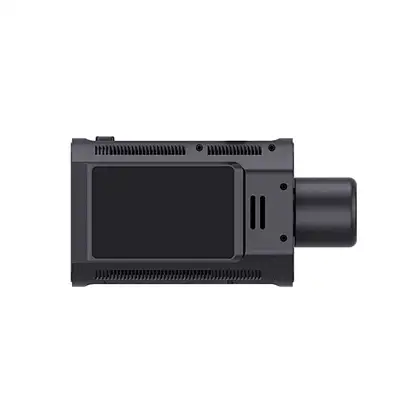

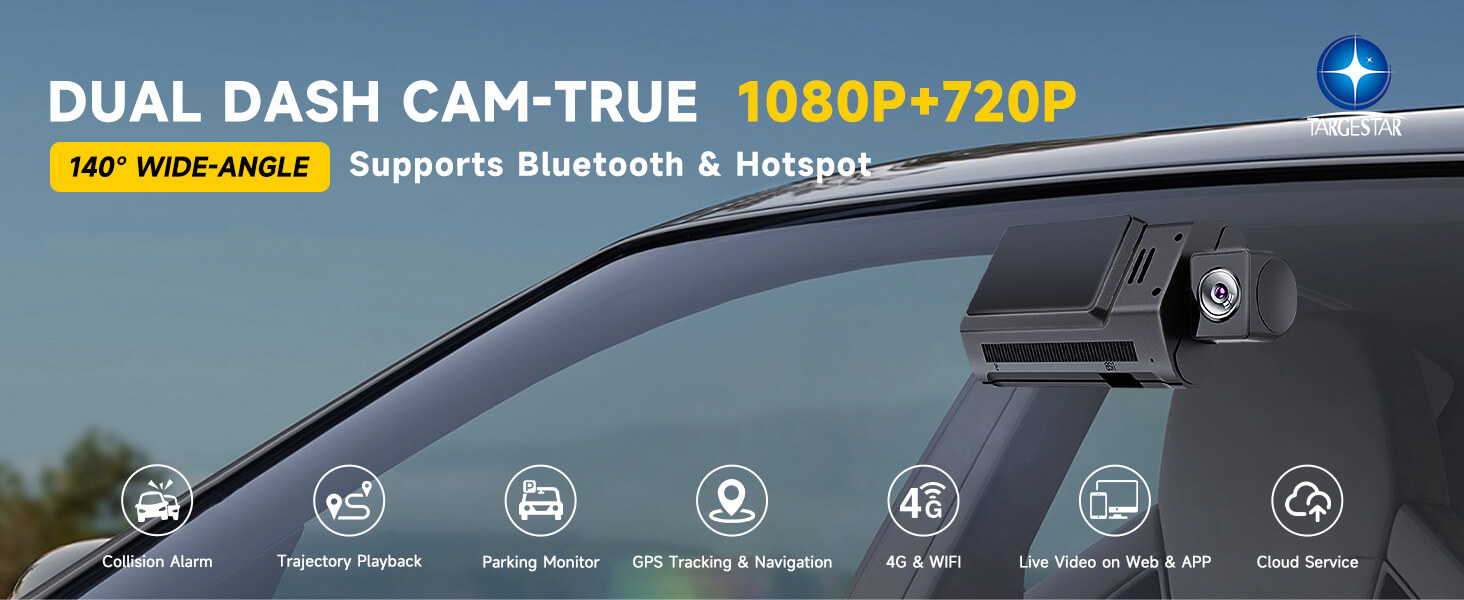
Dash Cam 4G For Cars Vehicle 2 Channels 1080P Dual Camera Dash Cam Car Driving Recorder Bluetooth Auto Camera Recorder Dashcam--Great-will Targestar
Application:
1. All vehicle types: Suitable for various types of vehicles, including sedans, SUVs, trucks, and vans.
2. Private and commercial vehicles: Provides safety and convenience for individual vehicle owners, family fleets, and corporate vehicles.
3. Taxi vehicles: Taxi drivers can use it to protect themselves and passengers, record driving processes, and provide safety.
4. Fleet management: Helps companies or organizations monitor the driving conditions of fleets, improve management efficiency, and ensure vehicle safety.
 | ADAS Camera System |  | WirelessConnection(Bluetooth/WiFi) | |||||
ADAS cameras in dashcams assist drivers by recognizing road signs, monitoring lane lines, and detecting vehicles and pedestrians to enhance safety and provide emergency braking assistance. | A virtual area set on a telematics platform by fleet manager, you'll be informed when vehicles/goods enter or leave a particular area to trigger a response. | |||||||
 | Wide Angle Camera |  | Support Navigation | |||||
The built-in camera of the host can not only record the road conditions in front of the car, but also rotate 360 degrees inside the car to record the situation of the driver or co pilot. | The navigation feature of the dashcam provides real-time traffic information and optimal route guidance to drivers, while also searching for nearby points of interest. This alleviates driving stress and ensures a safer and more convenient driving experience. |
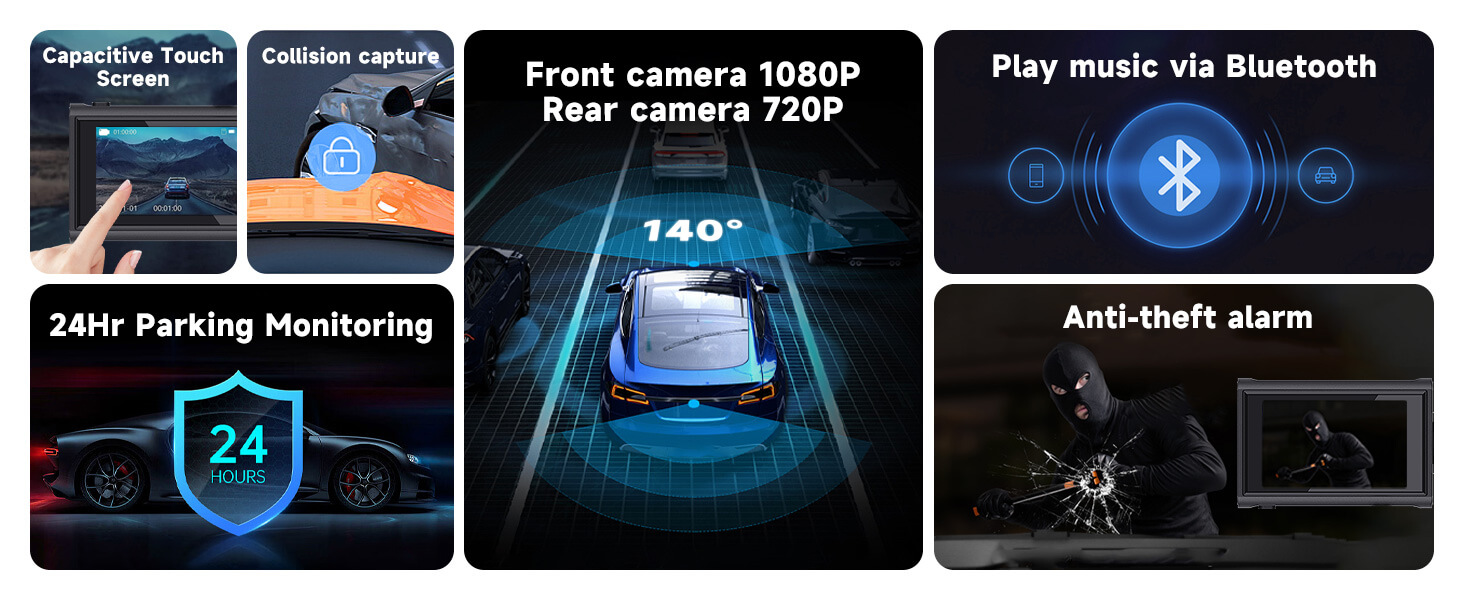
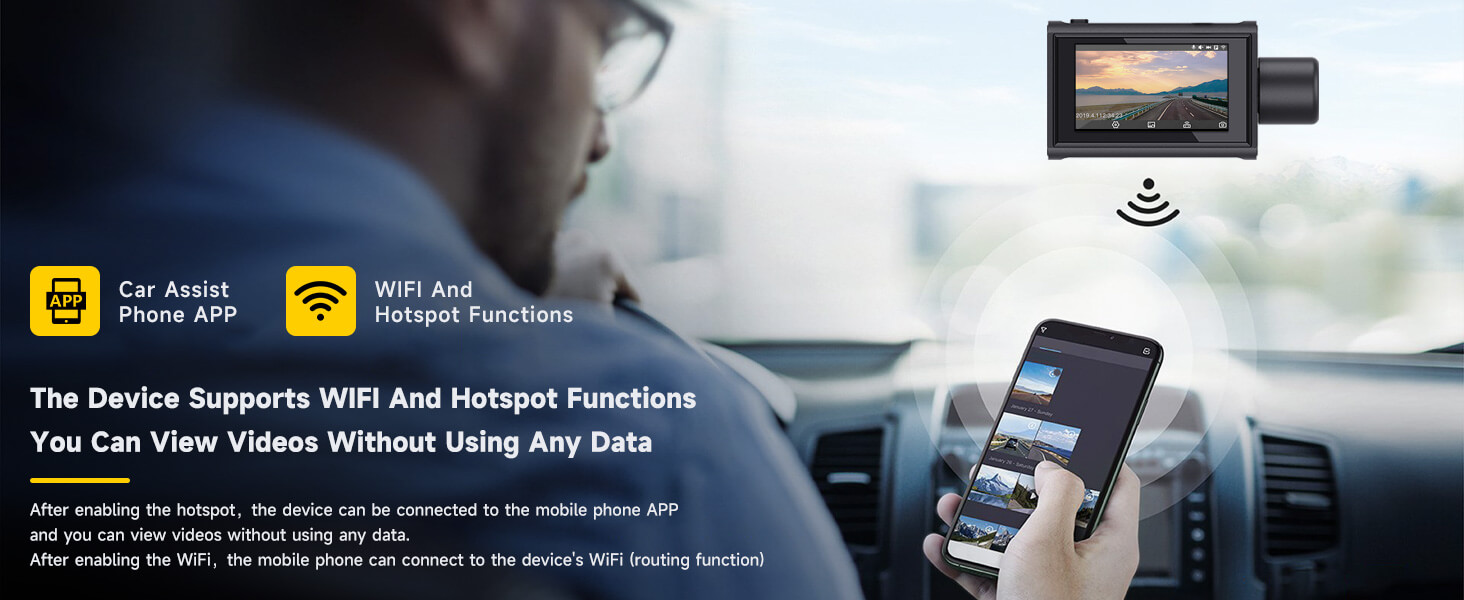
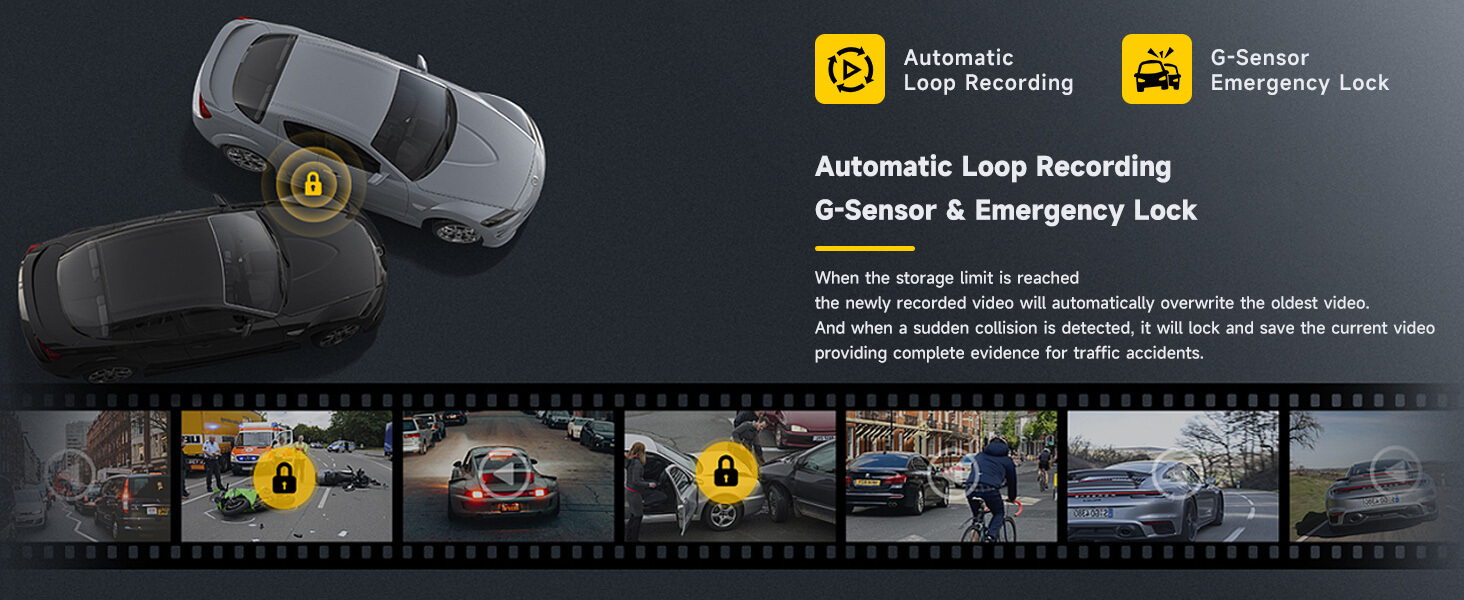
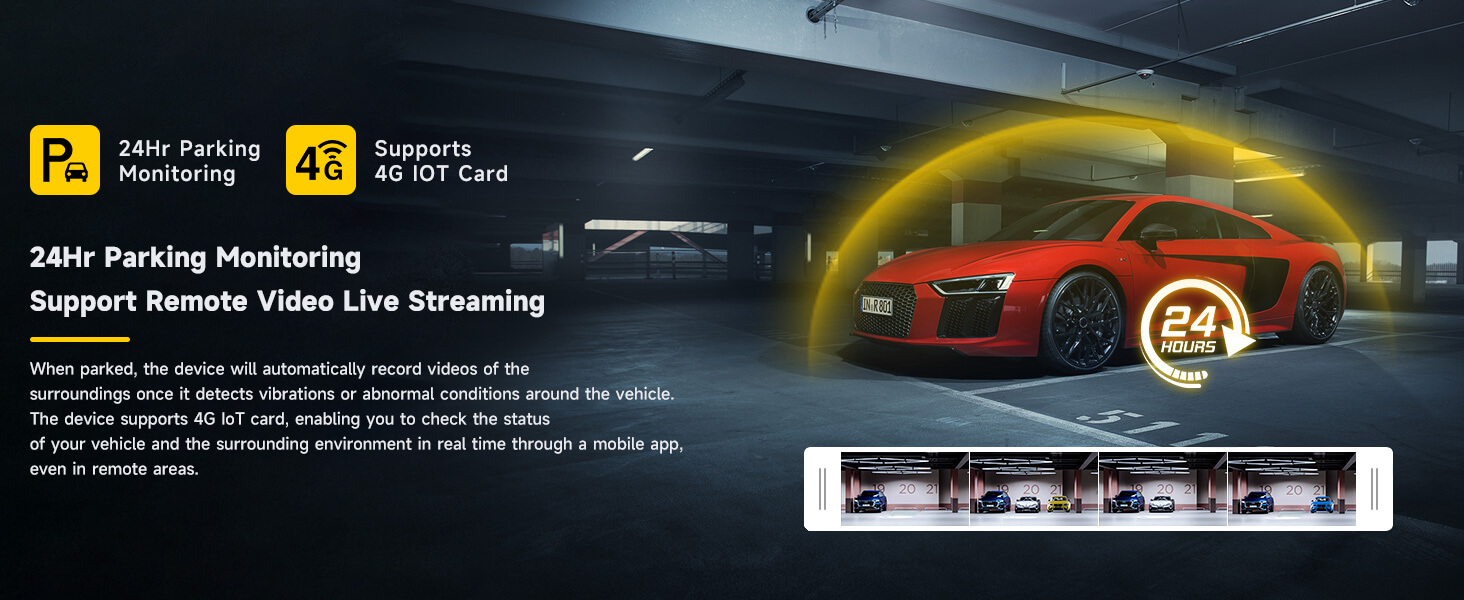
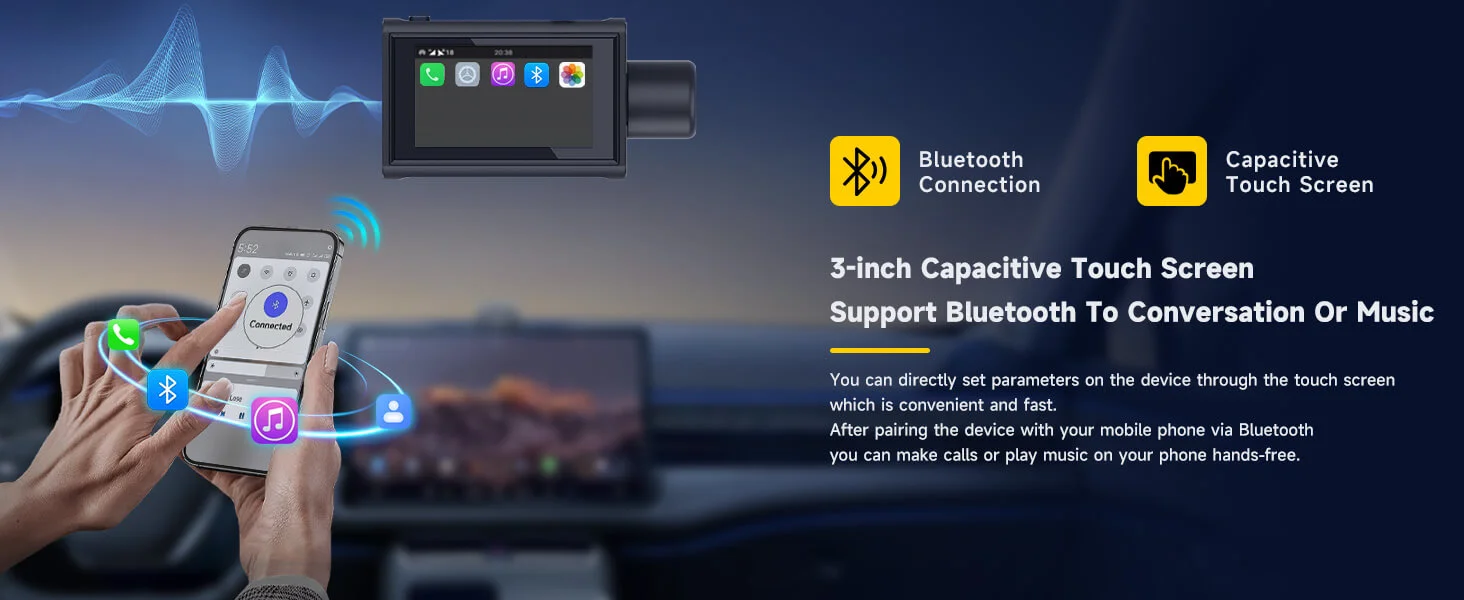
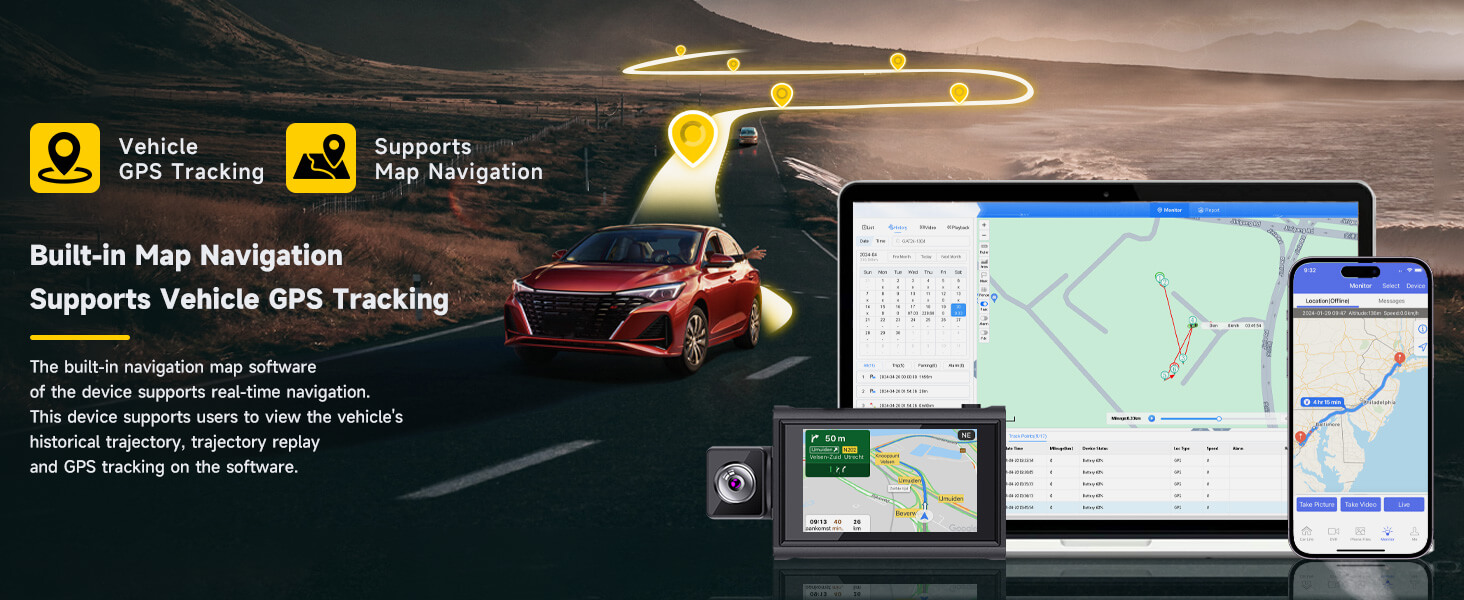
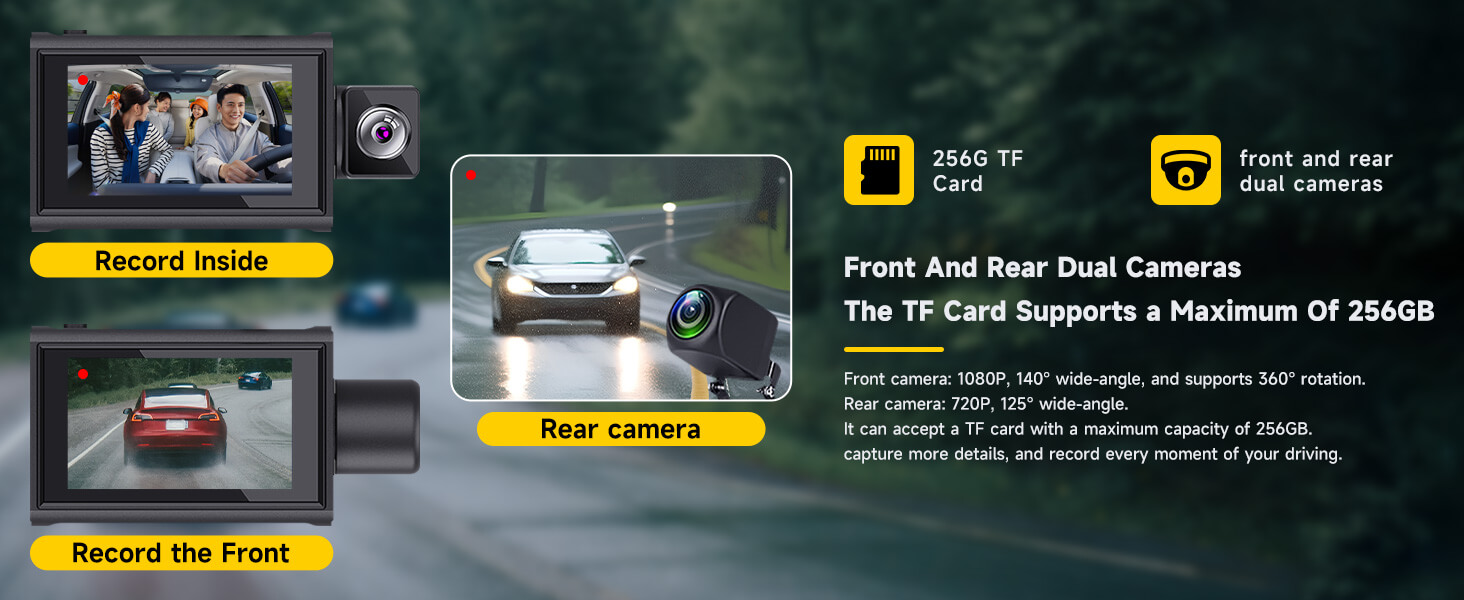

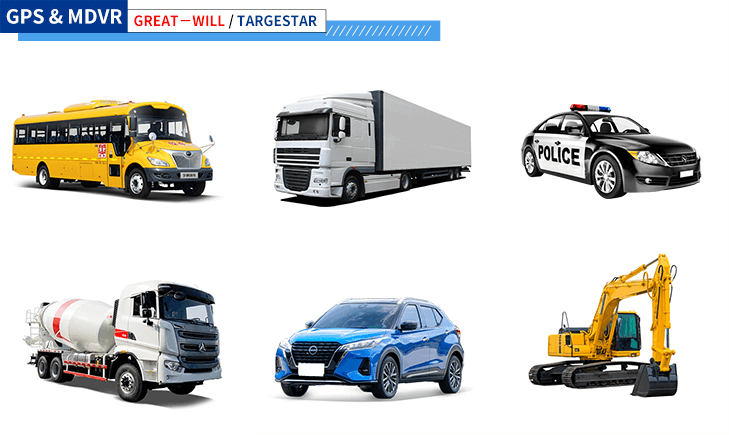
Our dashcams are engineered to provide reliable video recording and tracking capabilities, while our dashcams offer high-quality footage for both front and rear views of your vehicle.
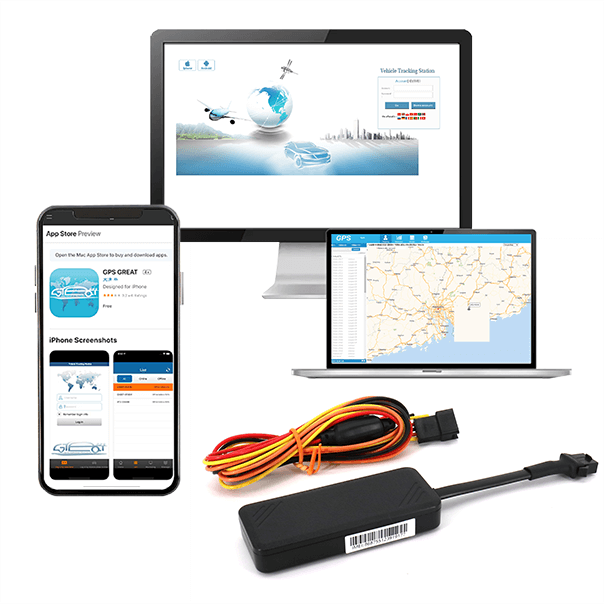 | 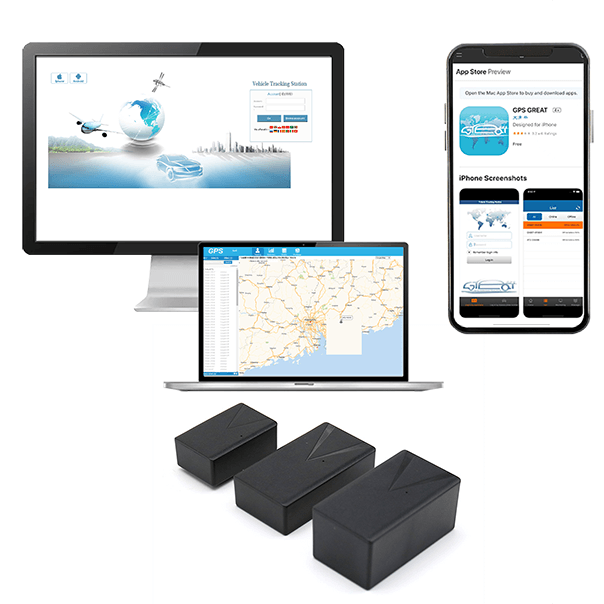 | 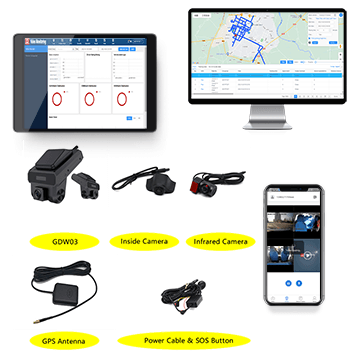 |
| Wired Vehicle Tracker | Magnetic Wireless Vehicle Tracker | Dashcam |
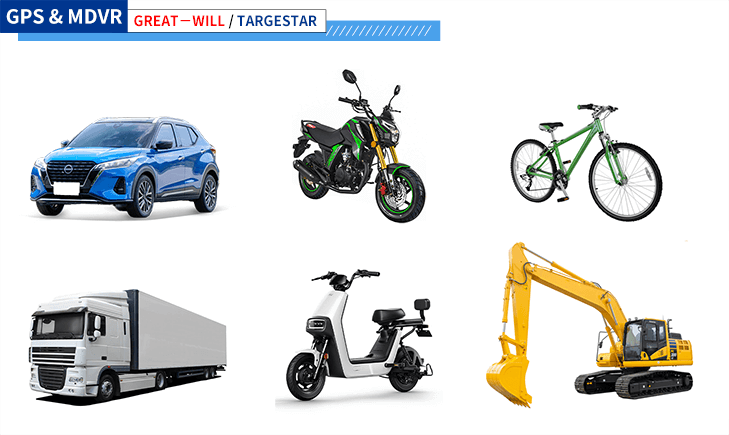
Whether you own a sedan, SUV, truck, motorcycle, or even a wide range of large vehicles, including commercial trucks, buses, vans, construction vehicles, agricultural equipment, and heavy machinery our GPS Trackers can be seamlessly integrated into your vehicle.
Our trackers are engineered to provide accurate and real-time location tracking, ensuring the safety and security of your vehicle at all times.
Rest assured that our reliable GPS Trackers offer comprehensive tracking capabilities regardless of the car model you own, providing you with peace of mind and enhanced vehicle security.
Our MDVRs are engineered to provide reliable video recording and tracking capabilities, while our dashcams offer high-quality footage for both front and rear views of your vehicle.
| | |
| Wired Vehicle Tracker | Magnetic Wireless Vehicle Tracker | Dashcam |
● Emergency video recording is enabled by default. If the dash cam detects any collisions, it will automatically record an emergency video.
● Also the recording process cannot be interrupted. Once the emergency recording is completed, the dash cam will automatically switch back to normal video recording mode.
If the dash cam automatically stops recording, please use the following to solve the problem,
● Restoring dashcam to factory settings
● Formatting the internal memory card
● Updating firmware
● Detecting abnormality in the internal memory card (e.g., non-dash cam-related files). In this case, please format the internal memory card.
After exiting these operations, the dash cam will automatically resume recording.
● The positioning system on the dashcam is not functioning and cannot obtain positioning information.
Solution: Check the dashcam's GPS light. If it is not lit, move the dash cam to an open space and wait for approximately 3 minutes before trying again.
● The car did not move, hence no driving record data was generated.
Solution: Ensure that the dashcam is correctly installed in the car and operating normally. Drive the car a certain distance to generate driving record data.
● The phone has no network connection. The phone requires a network connection to load the map when viewing driving records.
Solution: Disconnect the phone from the dashcam's Wi-Fi hotspot and connect it to a network (WLAN or mobile data network).
● The dashcam’s camera is not positioned correctly, too far from the center front, i.e. too close to the left and right sides or the upper and lower sides;
● The nighttime light is too dim, making it difficult to identify the lane line accurately.
● The lane line appears blurred, making it impossible to identify.